I did a post a while back on
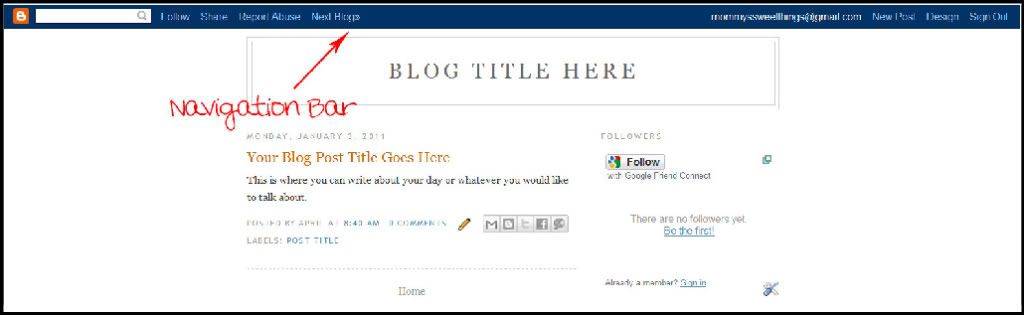
How to Remove your Blogger Navigation Bar but their is an alternative to just removing it. Follow the steps below on how you can keep your blogger navigation bar so it only appears when you hover over the top of your page.
Be sure to back-up your template before you follow the steps below by click on
Download Full Template under "Edit HTML" (or "Backup / Restore Template" if your using the new Blogger in Draft).
Step 1. Log into blogger then click on "Design" (or "Template" if your using the new Blogger in Draft).
Step 2. Click on "Edit HTML" (or "Edit Template" if your using the new Blogger in Draft).
Step 3. Press Ctrl+F to bring up your search filed box then type in
Step 4. Copy the code below and past it
right before the code we found above.
#navbar-iframe{opacity:0.0;filter:alpha(Opacity=0)}
#navbar-iframe:hover{opacity:1.0;filter:alpha(Opacity=100, FinishedOpacity=100)}
Step 5. Then save your template.