


Be sure to back-up your template before you follow the steps below by click on Download Full Template under "Edit HTML" (or "Backup / Restore Template" if your using the new Blogger in Draft).
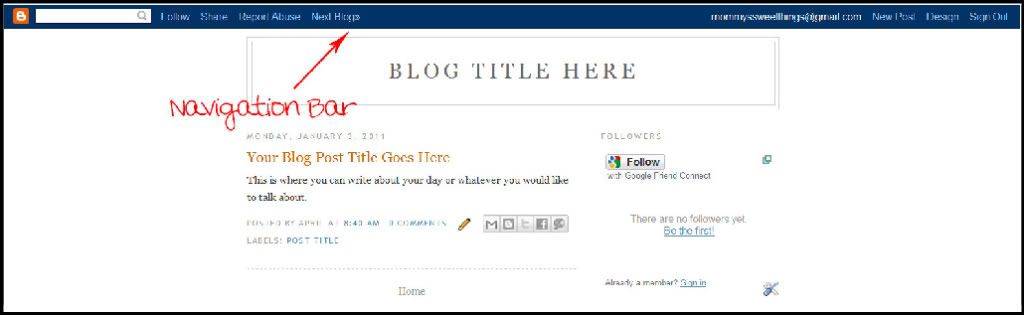
Step 1. Log into blogger then click on "Design" (or "Template" if your using the new Blogger in Draft).
Step 2. Click on "Edit HTML" (or "Edit Template" if your using the new Blogger in Draft).
Step 3. Press Ctrl+F to bring up your search filed box then type in

#navbar-iframe{opacity:0.0;filter:alpha(Opacity=0)}
#navbar-iframe:hover{opacity:1.0;filter:alpha(Opacity=100, FinishedOpacity=100)}


